

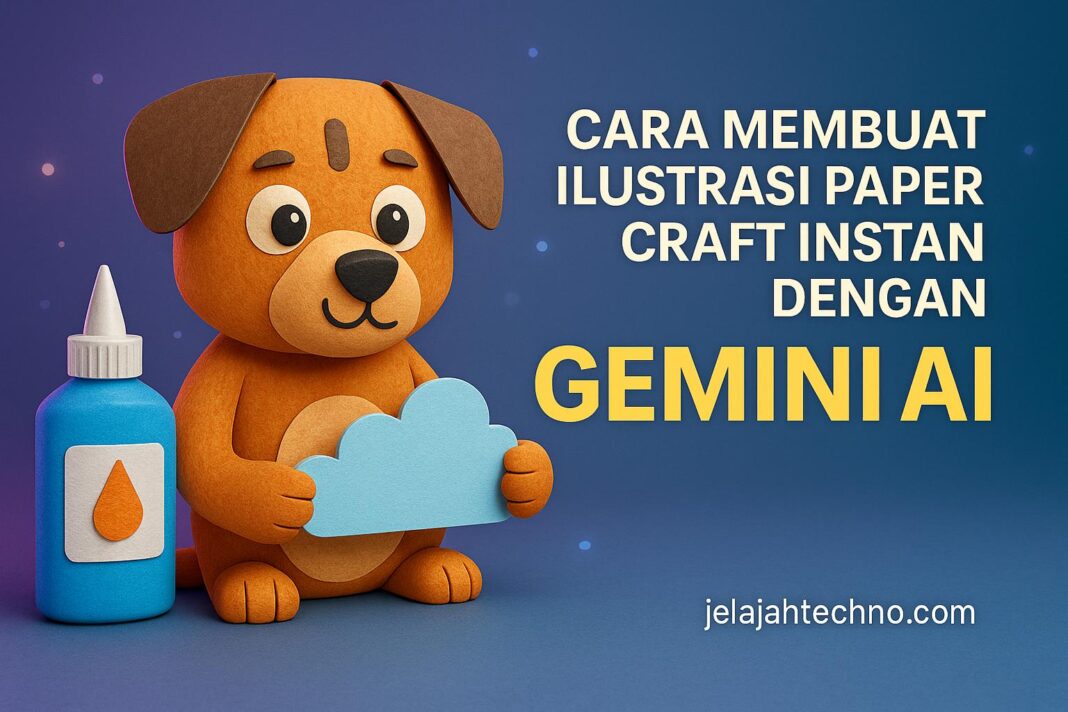
jelajahtechno.com — Ingin membuat ilustrasi bergaya paper craft tanpa repot memotong kertas satu per satu? Kini kamu bisa melakukannya secara instan dengan Google Gemini AI. Hanya dengan menyalin dan menempelkan (copy-paste) prompt yang sudah disiapkan, kamu dapat menghasilkan gambar bergaya paper craft yang tampak seperti buatan tangan asli — lengkap dengan tekstur serat kertas, bayangan lembut antar-lapis, dan warna pastel yang hangat.
Teknik ini sangat cocok untuk kartu ucapan digital, proyek sekolah, materi edukatif, hingga branding kreatif. Dengan teknologi AI generatif, hasilnya tampak profesional, realistis, dan bisa digunakan untuk keperluan pribadi maupun komersial.
Cara Membuat Paper Craft Illustration di Gemini AI
- Masuk ke Gemini AI melalui aplikasi atau situs web resmi Google.
- Unggah foto referensi (opsional) atau mulai dari prompt teks.
- Salin dan tempel salah satu prompt di bawah ini ke kolom input.
- Klik Generate, lalu biarkan Gemini AI menciptakan karya ilustrasi unikmu.
- Unduh hasilnya dan gunakan untuk desain sosial media, kelas, atau bisnis.
Baca juga : Cara Edit Selfie Jadi Gaya Pop-Art Keren dengan Gemini AI
15 Google Gemini AI Prompts Copy-Paste untuk Paper Craft Illustration
Prompt 1:
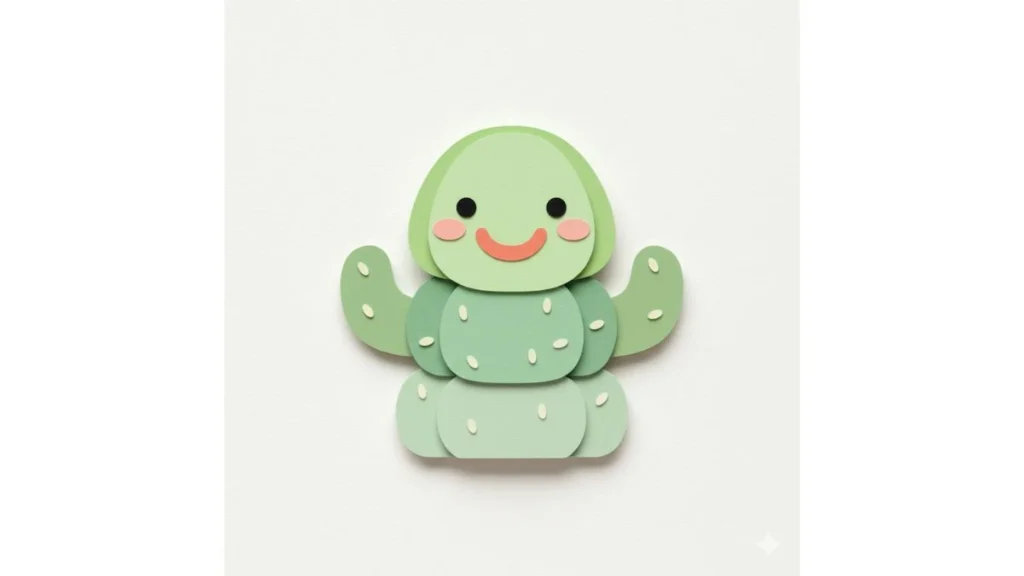
Layered paper craft illustration of a cute, smiling cactus. Use visible paper fiber texture and multiple cut-paper layers with soft contact shadows between layers for depth. Keep forms simple with geometric shapes and clean, rounded edges. Apply a pastel color palette with accent colors: soft coral, mint green. Place the subject on a minimal off-white background. Light with soft studio lighting. Render at high resolution in a square format.
Prompt 2:
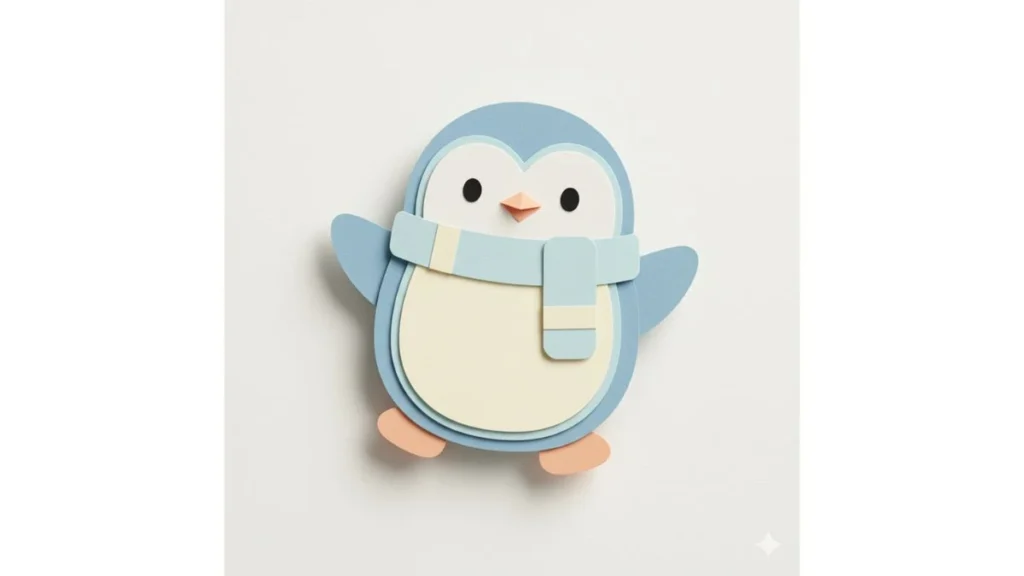
Layered paper craft illustration of a playful penguin. Use visible paper fiber texture and multiple cut-paper layers with soft contact shadows between layers for depth. Keep forms simple with geometric shapes and clean, rounded edges. Apply a pastel color palette with accent colors: pale blue, soft peach. Place the subject on a minimal off-white background. Light with soft studio lighting. Render at high resolution in a square format.


[…] Cara Membuat Ilustrasi Paper Craft Instan dengan Gemini AI […]
[…] Cara Membuat Ilustrasi Paper Craft Instan dengan Gemini AI […]